An ecommerce analytics platform says it integrates with your store. That sounds reassuring, but it does not tell you very much.
Can the integration access historical orders or only recent ones? Does it receive refunds as well as sales? Can it connect inventory to product performance? Are customer fields available? How frequently does the data update? Does the application need permission to change store information, or can it work with read-only access?
Most importantly, can the integration retrieve enough data to answer the business questions you actually have?
That is the real issue behind ecommerce analytics integrations.
A platform logo on an integrations page confirms compatibility at some level. It does not automatically confirm useful analytical coverage. A strong commerce data connection needs appropriate permissions, reliable historical and ongoing data, clear metric definitions, and enough depth across orders, customers, products, inventory, refunds and platform-specific information to support the analysis being promised.
What Is an Ecommerce Analytics Integration?
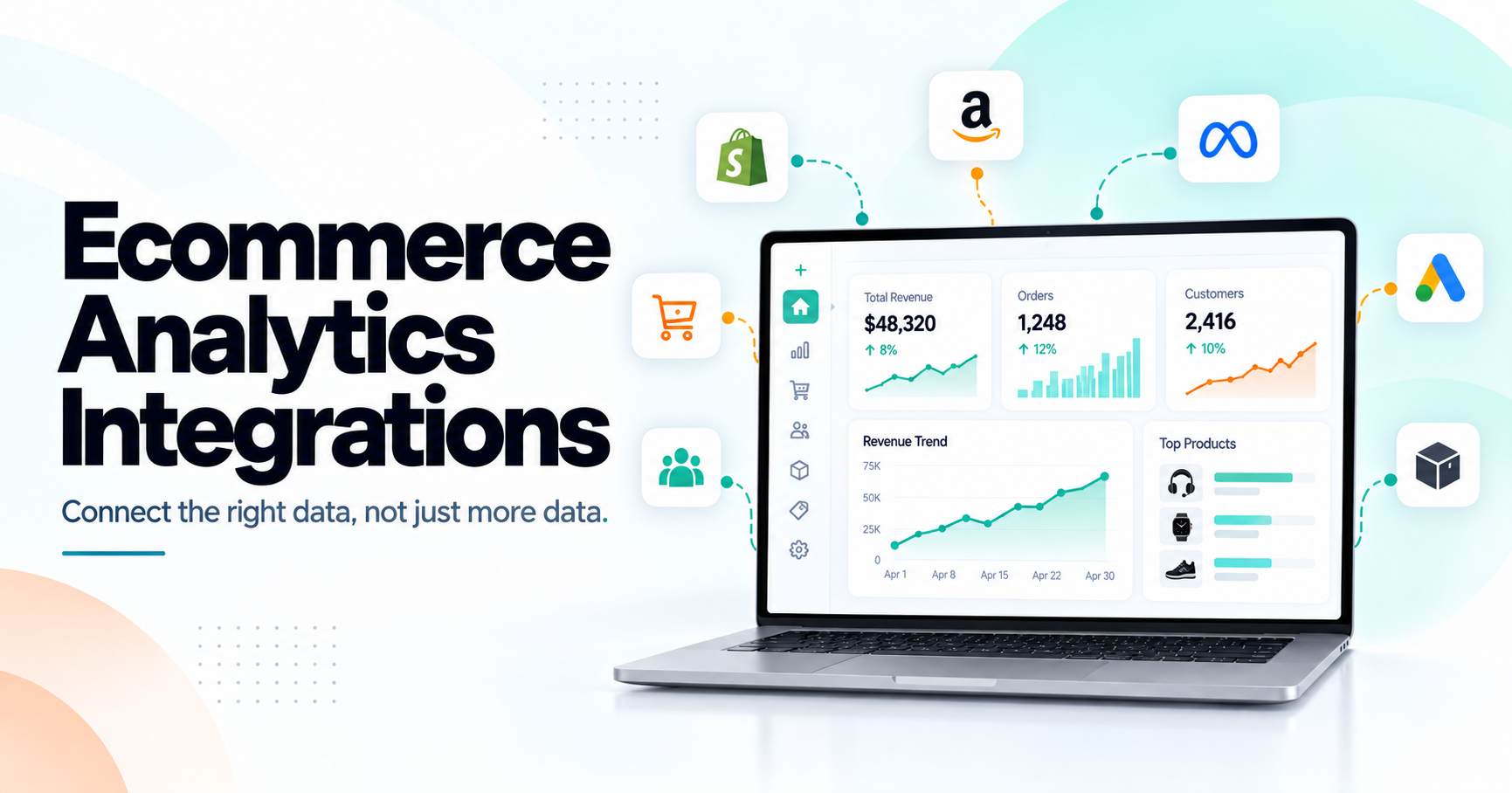
An ecommerce analytics integration is a connection that allows an analytics system to retrieve relevant data from an ecommerce platform, marketplace or related commerce system.
That connection commonly happens through an API, although platforms can also support webhooks, files, exports and other mechanisms.
The purpose is not merely to move data.
The integration should make the transferred information usable for reporting and analysis.
For example, retrieving an order total may allow a dashboard to display revenue. Retrieving order items, discounts, refunds, customer references, product identifiers and timestamps creates a much richer analytical dataset.
Now the system may be able to investigate which products generated the revenue, how discounts affected it, whether sales came from new or returning customers, or whether later refunds reduced the result.
So when evaluating ecommerce data integrations, the useful question is not: "Can this platform connect?"
It is: "What business information becomes available after it connects?"
Orders Are Usually the Foundation
Orders are one of the most important data sources for ecommerce analytics because they connect commercial activity with products, customers and time.
A useful order integration may need fields such as order ID, creation date, status, currency, line items, quantities, prices, discounts, tax, shipping, refunds and other available transaction information.
The exact fields differ by platform. Even access to historical orders can differ substantially.
Shopify's Admin API provides access to only the most recent 60 days of orders by default. An application that needs older order history must request additional read_all_orders access alongside the relevant order scope.
Amazon's current Orders API has another limitation. Its documentation states that orders more than two years old are generally not returned, with specific exceptions for certain marketplaces.
That means "we integrate with orders" is not enough information. You also need to know how much order history the integration can actually retrieve.
Historical Data Matters More Than It First Appears
Suppose you connect an analytics tool in October. If it can retrieve only a small amount of historical information, it may show today's performance well but struggle with questions such as:
How did this year's holiday period compare with last year?
Which customers have purchased repeatedly over twelve months?
Is this product genuinely seasonal?
Did refund behavior improve over the previous year?
How has AOV changed over several quarters?
These questions require history. Historical coverage is particularly important for retention, seasonality, long-term product trends and forecasting.
An ecommerce analytics integration should therefore make clear whether historical data is imported automatically, whether limits come from the commerce platform, and whether additional authorization is required for older information.
Customer Data Needs More Care Than Order Data
Customer analytics can be extremely valuable, but customer information is also more sensitive and less consistently available across platforms.
A direct ecommerce store may expose customer profiles, purchase history and related order information.
A marketplace may provide more limited buyer information because the marketplace controls the customer relationship and imposes additional data-access rules.
Amazon is a good example. Its Selling Partner API controls access through application roles, and restricted or personally identifiable information is subject to stronger permissions and security requirements.
This has an important analytical consequence. A platform may provide excellent sales and product data while offering less customer-level detail.
The analytics system should reflect that limitation rather than pretending every integration supports identical customer intelligence.
For a deeper explanation of customer metrics themselves, see Ecommerce Customer Analytics: Who Buys, Who Returns and Who Actually Drives Revenue?.
Products Need More Than a Name and Price
Product data provides the bridge between sales performance and merchandising decisions. For useful product analytics, the integration may need product and variant IDs, titles, SKUs, prices, categories or collections where available, status, inventory relationships and order-line references.
The identifiers matter. Imagine Product A is called: "Premium Running Shoe" on your website, but its marketplace listing uses a different title. If the analytics system cannot determine that these records describe the same underlying product, consolidated product analysis becomes unreliable.
A product connection should therefore preserve source identifiers while supporting appropriate mapping where products need to be compared across systems. This becomes even more important for businesses operating across several stores or marketplaces.
Inventory Should Connect With Product Demand
Inventory is not useful simply because an API can return a stock quantity. The analytical value appears when inventory can be connected to demand. Suppose an integration reports that Product X has 12 units available. That number alone says very little.
If the product sells one unit every two months, inventory may be comfortable.
If it sells eight units every day, the same 12 units represent an immediate commercial risk.
A useful integration should therefore make it possible, where the source platform exposes the required fields, to connect product availability with actual sales performance.
That relationship helps answer better questions: Is a high-revenue product becoming an inventory risk?
Did sales decline because demand weakened or because the product became unavailable?
Which products have high inventory but weak recent demand?
Our existing Shopify Inventory Analytics guide explores this relationship between product demand and stock in more detail.
Refund and Return Data Should Not Be an Afterthought
A connector that imports sales but ignores refunds can make performance look stronger than it really is. Suppose an integration retrieves an order worth $400. Two weeks later, $250 is refunded.
If the analytics platform never receives that adjustment, the original $400 may remain in its performance view. The same problem affects product analysis.
If one product creates strong gross sales but an unusually high level of returns or refunds, merchants need both sides of the transaction to understand its real performance.
Refund integration should therefore answer questions such as:
Was the full or partial order refunded?
When was the refund processed?
Which line items were involved?
How does the source platform distinguish a refund, return and cancellation?
Those definitions differ across commerce systems, which is why a connector must do more than retrieve a single "refund amount."
Marketplaces Need Marketplace Data, Not a Storefront Template
Amazon, Etsy and eBay should not simply be connected and then forced into the same model as a Shopify or WooCommerce storefront. Their native data environments differ. Amazon's APIs cover areas such as orders, products, inventory and other seller information, with access controlled by specific roles.
Etsy's Open API includes inventory, listings, sales orders and shop-management resources. Private seller data uses OAuth scopes, including transactions_r for purchase and sales information and separate read permissions for listings or shop resources.
eBay similarly uses OAuth 2.0 scopes to control which API resources and methods an application can access.
So a meaningful marketplace integration may need platform-specific product, listing, traffic, inventory or performance information rather than pretending every source has an identical website funnel. That is one reason connector depth matters so much.
What Does API Depth Mean?
API depth describes how much useful data and functionality an integration can actually reach. Two analytics products may both claim:
"WooCommerce integration."
One retrieves only orders and revenue.
The other may retrieve orders, customers, products, refunds, inventory and additional commerce fields. Those are not equivalent integrations.
WooCommerce's REST API itself exposes multiple commerce resources including orders, products, coupons, customers and shipping zones.
Therefore, the platform's API may be capable of substantial coverage while a specific third-party connector uses only part of it. The distinction is:
API capability is what the commerce platform makes technically available.
Connector coverage is what the analytics application actually retrieves and uses.
Always evaluate the second one.
Read-Only Access Is Often Enough for Analytics
An analytics application primarily needs to understand store data. It does not necessarily need permission to change products, edit orders or update customers. This is where read-only access becomes an important trust signal.
WooCommerce explicitly allows API keys to be generated with Read, Write or Read/Write permissions. Read access allows the connected application to retrieve store data without granting it permission to create or modify resources.
Shopify similarly separates read and write access scopes and specifically advises applications to request only the data they need. Its documentation notes that a write scope also grants corresponding read access, so applications should avoid requesting write permissions when they do not require them.
Etsy follows the same general principle through separate read and write OAuth scopes, and its documentation advises developers to tailor requested scopes to the application's actual requirements.
For an analytics product, merchants should therefore ask: Why does this tool need each permission it requests?
More access is not automatically better.
Read-Only Does Not Mean "No Security Risk"
This distinction matters. Read-only access reduces the risk of a tool altering your store, but the data it can read may still be commercially or personally sensitive.
Orders can reveal revenue and purchasing activity.
Customer resources can contain personal information.
Product data can expose catalog details.
Marketplace APIs may contain protected seller or buyer information.
So a secure analytics integration still needs appropriate authentication, credential protection, access control and data-handling practices even when it cannot write to the commerce platform.
"Read-only" describes what the application can do to the source system. It does not mean the information being accessed has no security value.
What Is the Principle of Least Privilege?
The principle of least privilege means giving an application only the permissions necessary to perform its intended function. For ecommerce analytics, that may mean read access to orders, products and inventory without the ability to edit any of them.
If customer analytics is not part of the product, there may be no reason to request customer data.
If shipping addresses are unnecessary, the application should not request them simply because an API makes them available.
This approach is reflected in the authorization models of Shopify, Etsy, eBay and Amazon, all of which control access through scopes, roles or permissions tied to specific resources. A good integration asks for enough access to perform its job, not the maximum access technically available.
How Often Should Ecommerce Analytics Data Refresh?
There is no universal refresh frequency that every ecommerce metric requires. Order and inventory information may need relatively frequent updates. Historical customer cohorts may not need to refresh every minute. Marketplace reporting may update according to its own schedule.
A useful analytics product should therefore be transparent about data freshness rather than simply use the phrase "real-time" everywhere. There are also different ways to update data. Some integrations poll APIs on a schedule.
Some platforms provide event or webhook mechanisms that notify connected systems when relevant changes occur. Some workflows combine both, using event notifications for fast updates and scheduled reconciliation to make sure nothing was missed.
The best refresh strategy depends on the source platform, API limits, data type and business need. For merchants, the practical requirement is simple: The dashboard should make it clear how current important information is.
Why Can an API Integration Still Have Missing Data?
Because APIs do not always expose everything visible inside the platform's own admin interface. A metric shown inside a marketplace dashboard may not have a public API endpoint. A customer field may require an additional permission.
Historical access may be limited. An analytics endpoint may use a different data model from an order endpoint. Some data may only be available through reports rather than standard resource APIs. Access can also depend on country, merchant plan, application approval or user permissions.
Therefore, never assume: "If the platform displays it, every third-party analytics tool can retrieve it." A responsible analytics product should document missing fields rather than silently estimate them.
Connector Limitations Should Be Visible
Every connector has boundaries. Those limitations may involve: historical data availability, permission requirements, API rate limits, pagination, field availability, regional differences, marketplace privacy restrictions, data-refresh delays, or API-version changes.
These are normal integration engineering problems. They become dangerous only when the analytics system hides them.
For example, Shopify's standard order scope does not automatically provide unlimited historical orders. Amazon's current Orders API also documents its own historical limits. Etsy distinguishes access levels and OAuth permissions depending on how an application will be used.
For example, Shopify's standard order scope does not automatically provide unlimited historical orders. Amazon's current Orders API also documents its own historical limits. Etsy distinguishes access levels and OAuth permissions depending on how an application will be used.
An Integration Is Not Useful Until the Data Is Mapped Correctly
Even when all necessary fields are available, the analytics platform still needs to interpret them correctly.
Revenue definitions need mapping.
Refunds need timing rules.
Order statuses need normalization.
Products need identifiers.
Currencies and time zones need consistent treatment.
Customer definitions may vary.
This is why an integration is not just an API authentication screen.
Authentication answers: Can we access the data?
Data modeling answers: What does the data mean?
Your previous guide on why ecommerce platforms show different revenue numbers explains how these definition differences can change apparently simple metrics.
What Should You Ask Before Connecting an Ecommerce Analytics Platform?
Before authorizing a connector, merchants should ask a small set of practical questions:
- What exact data will the integration retrieve?
- Which permissions does it request, and why?
- Is access read-only where write capability is unnecessary?
- How much historical data can be imported?
- How frequently does each important dataset update?
- Are refunds, returns and canceled orders included?
- How are products and variants identified?
- What customer information is available, and what is intentionally excluded?
- Which platform-native metrics cannot be retrieved?
- How are currency, timezone and order-status differences handled?
- What happens if an API permission changes or synchronization fails?
- Can the merchant disconnect or revoke access when needed?
You do not need a technical answer to every implementation detail. But you should be able to understand what information powers the analytics you are being shown.
Integration Coverage Should Follow the Decisions You Need to Make
Do not choose an integration because it retrieves the largest possible dataset. Choose one that retrieves the information required for your actual business decisions.
If your main question is: "Which products are likely to become stock risks?"
you need product, inventory and sales information.
If your question is: "Are returning customers responsible for growth?"
you need customer identity, order history and revenue information.
If your question is: "Are refunds weakening product performance?"
you need refunds connected with orders and line items.
If you only need daily total sales, a much simpler integration may be enough.
This is the same decision-first principle behind Ecommerce Reporting vs Analytics: data should exist in the workflow because it answers a useful question, not simply because the platform can provide it.
A Platform Integration and Useful Analytics Are Two Different Things
This is probably the most important distinction in the entire integration decision. A connected store can still produce weak analytics. The API may authenticate successfully. Orders may sync. A dashboard may display revenue.
But if refunds are missing, inventory is disconnected, customer history is shallow and product IDs do not map correctly, the integration may struggle to explain meaningful performance changes.
The true test is not: "Did the store connect successfully?"
It is: "Can the connected data support the analysis the product promises?"
That is what merchants should evaluate during a trial or integration review.
Where Statty AI Fits
Statty AI's product direction is based on connected commerce intelligence rather than analyzing one metric in isolation. The current strategy covers available sales, customer, product, inventory, refund and operational data across supported commerce environments, while recognizing that the available data differs by platform. Statty AI USP & Keywords
The same strategy emphasizes read-only, secure access as an important trust signal and specifically notes that connector permissions should be documented separately instead of copying one platform's permission model onto every integration. Statty AI USP & Keywords
That distinction is important because Shopify, WooCommerce, Amazon, Etsy, eBay and other systems use different authorization models and expose different datasets.
Statty AI's integration availability also varies by platform, so merchants should check the current Statty AI Integrations page rather than assuming every connector has identical availability or coverage.
You can also review Statty AI Features to understand the analytics questions the connected information is intended to support.
Final Thoughts
A good ecommerce analytics integration should do more than establish an API connection. It should retrieve the right data.
Orders provide the commercial foundation.
Customers add relationship and retention context where that information is available.
Products explain what was sold.
Inventory provides availability context.
Refunds help show whether completed sales remain completed.
Marketplace-specific information preserves the signals unique to each selling environment.
Permissions determine what the analytics product is allowed to access. Historical coverage determines how far back it can analyze. Refresh frequency determines how current the view is. Data mapping determines whether numbers from different systems actually mean the same thing.
That is why the right question is not: "Does this analytics tool integrate with my ecommerce platform?"
The better question is: "What does the integration actually connect, what are its limitations, and is that enough data to answer the decisions I need to make?"
That is the difference between a platform logo on an integration page and an integration that genuinely improves ecommerce analytics.
FAQ
What is an ecommerce analytics integration?
An ecommerce analytics integration connects an analytics system with a store, marketplace or commerce platform so relevant business data can be retrieved and analyzed. Depending on the connector, this can include orders, customers, products, inventory, refunds and platform-specific performance information.
What data should an ecommerce analytics integration connect?
The exact data should depend on the analysis you need. Common areas include orders, order line items, products, variants, customers where available, inventory, discounts, refunds, currencies and relevant platform-specific metrics. More data is not automatically better if it does not support useful business questions.
Should an ecommerce analytics app have read-only access?
For analytics, read-only access is often sufficient when the application only needs to retrieve information. WooCommerce supports API keys with separate Read, Write and Read/Write permissions, while Shopify also separates read and write scopes and advises apps to request only the access they need.
Can an ecommerce API provide all historical orders?
Not always. Shopify provides access to the most recent 60 days of orders by default and requires approved read_all_orders access for older history. Amazon's current Orders API also documents limits on how far back most marketplaces return orders.
Does API access mean an analytics tool gets every metric shown in the ecommerce dashboard?
No. Public APIs can expose different data from the platform's native administrative reports. Some fields require additional permissions, some metrics may not be exposed through the same endpoints, and some information may be restricted entirely.
Why do marketplace integrations have different customer data from Shopify or WooCommerce?
Marketplaces control more of the buyer relationship and can impose stricter access rules around customer or personally identifiable information. Amazon, for example, uses roles and additional protections for sensitive data.
How often should ecommerce analytics integrations update?
It depends on the source and business need. Orders and inventory may benefit from frequent updates, while other analytical datasets can refresh less often. The important requirement is that the analytics product clearly communicates data freshness rather than implying every dataset updates continuously.
What is the difference between API capability and connector coverage?
API capability describes the data and operations the ecommerce platform technically makes available. Connector coverage describes which of those resources the analytics application actually retrieves, stores and uses. A platform can have a rich API while a particular integration uses only a small part of it.