Most ecommerce businesses do not have a shortage of reports. You can open your store platform and see revenue, orders, average order value, customers, products, inventory, refunds and other performance data. Marketing platforms have their own reports. Marketplaces have another set. Google Analytics adds traffic and customer-journey data.
The problem usually appears after the report is opened. Revenue is down 9%. Now what?
Was the decline caused by fewer orders? Were customers spending less? Did returning buyers become less active? Did an important product run out of stock? Did discounts or refunds reduce revenue? Did one sales channel weaken while another improved?
A report can tell you that something changed. Good ecommerce analytics helps you investigate what changed around it and decide what deserves attention next.
That difference is why useful ecommerce reporting should not be measured by how many charts a system can produce. It should be measured by whether those reports help someone understand the business well enough to make a decision.
What Is Ecommerce Reporting?
Ecommerce reporting is the structured presentation of store data so a business can monitor what has happened during a defined period.
A typical ecommerce report might show sales, orders, customers, products, discounts, inventory or refunds for today, this week or this month. It may compare those numbers with an earlier period, break them down by product or channel, and present them through tables, charts or exported files.
Modern commerce platforms already provide substantial reporting capabilities. WooCommerce Analytics, for example, includes detailed report views, filtering, segmentation, CSV exports and a customizable dashboard across areas such as revenue, orders, products, customers and stock.
So reporting itself is not the problem. The important question is whether the report gives you enough context to do something useful with what it shows.
What Is the Difference Between Ecommerce Reporting and Ecommerce Analytics?
The simplest answer is that reporting tells you what happened, while analytics helps you investigate why it happened and what the information means for the business.
This distinction is consistent with the broader analytics framework used in business analysis. Descriptive analytics focuses on what happened, while diagnostic analytics investigates the factors and relationships behind an outcome. IBM describes diagnostic analytics as going beyond descriptive results to investigate root causes, patterns and relationships.
Consider a simple e-commerce example. Your weekly report says: Revenue fell from $100,000 to $91,000. That is reporting. Analytics begins with the next question: Why did revenue decline by $9,000?
You may discover that order count barely changed, but average order value fell. Further investigation shows that two high-value products were unavailable for much of the week, causing customers to purchase lower-priced alternatives.
The report identified the result. The analysis connected revenue, orders, order value, products and inventory to produce a more useful explanation. That explanation can influence a decision. Instead of immediately increasing advertising, the store may need to address product availability.
What Is the Difference Between a Descriptive Question and a Diagnostic Question?
A descriptive question asks what happened. A diagnostic question asks what may explain what happened. For example:
"How much revenue did we generate this month?" is descriptive.
"Why was revenue lower than last month?" is diagnostic.
"How many orders did Product A receive?" is descriptive.
"Why did Product A receive fewer orders?" is diagnostic.
"How many returning customers purchased?" is descriptive.
"Why did returning-customer revenue decline even though total customer traffic increased?" is diagnostic.
Both types of questions matter. A business cannot investigate performance if it does not first know what happened. The mistake is stopping after the descriptive report when the number requires further explanation.
When Is Ecommerce Reporting Enough?
Ecommerce reporting is enough when the decision does not require a deeper investigation. Suppose your operations team simply needs to know how many orders were received yesterday so it can plan fulfillment. A straightforward order report may be enough.
Finance might need a regular report containing sales, discounts, refunds and tax-related information. A product manager may want a weekly list showing stock levels for specific products.
Management may want a Monday morning summary showing revenue, orders and performance against the previous week. These are valid reporting jobs. Not every business question requires an advanced analytical workflow.
In fact, forcing people to investigate every metric every day can create unnecessary work. A good report should often tell you that things are operating normally so you can move on. The need for deeper ecommerce analytics begins when the report shows something important that it cannot explain.
When Should You Move From Reporting Into Analytics?
You need deeper analysis when a reported result creates a business question that cannot be answered from the headline metric alone.
Imagine your weekly report says orders increased 18%.
That sounds positive.
Then you notice revenue increased only 3%.
Now the order report is not enough.
You need average order value.
Suppose AOV fell sharply.
Now you need product mix, discounting, customer groups or inventory information. Perhaps lower-priced products generated most of the new orders. Maybe premium products were unavailable. Perhaps a promotion attracted many first-time customers with smaller baskets.
This is the point where reporting becomes investigation.
The same principle applies throughout ecommerce.
A refund report may show refunds increased.
Analytics asks whether the increase is concentrated around one product.
A customer report may show fewer returning customers.
Analytics asks whether the change affects a particular acquisition cohort or product group.
An inventory report may show only 20 units remaining.
Analytics asks whether those 20 units represent two days or two months of expected demand. The number tells you where to look. Analytics helps you understand what the number means.
Scheduled Reports and Interactive Analysis Solve Different Problems
Scheduled ecommerce reports are useful because they create consistency. A weekly email showing sales, orders, refunds and major product performance ensures the same information reaches the right people at the same time. That is valuable for routine monitoring.
Interactive analysis becomes valuable when the information in that report produces a new question. Google Analytics provides a useful example of this distinction.
Google describes its standard reports as a way to monitor key business metrics, while Explorations are designed for deeper investigation through ad hoc queries, filters, segments, drill-downs, funnels and other analytical techniques. That is the relationship ecommerce teams should aim for.
Your scheduled report might tell you: Conversion decreased this week.
Interactive analysis should then let you investigate:
Did the decline happen on mobile or desktop?
Was it concentrated in one traffic source?
Did customers reach product pages but fail to add items to the cart?
Did checkout completion change?
Did the problem begin after a particular website change?
The report raises the signal. Analysis follows the signal.
What Should a Useful Ecommerce Report Contain?
A useful ecommerce report should give the reader enough context to understand a result without forcing them to reconstruct the meaning of every number.
Start with a clear reporting period. "Revenue: $84,000" means little unless the reader knows whether that covers today, seven days or an entire month.
Then provide a meaningful comparison. Current revenue beside the previous equivalent period is more useful than the current number alone.
Metric definitions also need to remain consistent. If one report uses gross sales and another uses net sales after discounts and refunds, combining them without explanation can create false conclusions.
A strong report should also make the important breakdown available. Product revenue should be traceable to products. Sales should be breakable by relevant channel. Customer numbers should be separable into meaningful groups when that distinction matters.
Most importantly, the report should help the reader notice exceptions. A report that contains 70 metrics with no indication of what changed may technically contain more data while providing less practical information.
For a deeper discussion of which metrics deserve permanent attention, see Your Store Has Plenty of Data: Which Numbers Actually Matter?.
A Good Report Should Create an Investigation Path
A report becomes much more useful when someone can move naturally from a result into the underlying detail.
Suppose the main screen shows: Revenue: down 11%
The next analytical path might be:
Revenue to orders.
Orders to average order value.
AOV to product mix.
Product mix to inventory availability.
That progression is much more useful than placing fifty unrelated charts on one dashboard.
This is why the design of an ecommerce analytics dashboard matters. A dashboard should help someone notice an important change and then understand where to investigate next.
Reporting and analytics should therefore work together rather than compete with each other.
What Are the Most Common Ecommerce Reporting Mistakes?
One of the most common mistakes is producing a report simply because it has always been produced. A team may spend hours every Monday exporting data, updating formulas and sending a spreadsheet that nobody uses to make a decision.
The report exists. The business value does not.
If your team spends substantial time rebuilding recurring reports manually, our guide on when ecommerce spreadsheets become a reporting bottleneck explains when automation starts becoming more practical.
Another mistake is reporting percentages without context. "Refunds increased 50%" sounds alarming.
But if refunds moved from two to three orders, the operational significance may be limited. Always examine both percentage and absolute change.
Businesses also make mistakes when they combine metrics with different definitions. Revenue from one platform may not be calculated exactly like revenue from another. Refund timing, taxes, shipping, canceled orders and currencies can all affect comparisons.
The answer is not to force every platform to produce the same number. The answer is to understand what each number represents.
Another Reporting Mistake Is Treating Correlation as Proof
Suppose revenue fell during the same week that a bestselling product went out of stock. The timing makes inventory worth investigating. It does not automatically prove that the stockout caused the entire revenue decline.
Diagnostic analytics can reveal relationships and possible explanations, but IBM specifically notes that correlation does not always establish causation. This matters in ecommerce because many things often change at once.
Advertising spend changes.
Promotions start.
Inventory moves.
Customer mix changes.
Seasonality affects demand.
A good analytics process should identify evidence and narrow the investigation rather than confidently invent a cause.
Should Every Team Receive the Same Ecommerce Report?
No. A useful report should reflect the decisions its reader is responsible for making.
A store owner may need a broad view of revenue, orders, customers, products, inventory and refunds.
An inventory manager may care much more about product demand, stock availability and replenishment risk.
A marketing manager may require customer acquisition, channel performance and conversion context.
Sending everyone the same enormous report often produces information overload.
The better question is: What decision is this person expected to make after reading this report?
If you cannot answer that, the report may need redesigning.
How Is AI Changing Ecommerce Reporting?
AI is reducing the amount of technical work required to ask questions of ecommerce data.
One practical example already exists in Shopify. Sidekick can generate and modify ShopifyQL report queries from plain-language prompts, create data explorations and help users customize existing reports.
That represents an important shift.
Historically, someone might need to understand report builders, spreadsheet formulas, SQL-style syntax or dashboard configuration before investigating a new question.
AI can reduce that barrier by allowing a merchant to ask something closer to normal business language:
"Compare this month's sales with last month and show which products changed the most."
Or:
"Which customer group contributed most to the revenue decline?"
The interface becomes conversational. But the underlying requirement does not disappear. The AI still needs trustworthy data, correct metric definitions and enough context to answer the question.
Can AI Replace Ecommerce Analysis?
No. AI can make analysis faster, but it does not remove the need to verify what the data actually supports.
AI is especially useful for summarizing large sets of information, finding patterns worth investigating, generating reports, translating technical metrics into clearer language and allowing users to ask follow-up questions.
It becomes risky when the system presents assumptions as facts. Suppose revenue fell, returning-customer activity weakened and two products went out of stock.
An AI system might identify those changes as potentially related. It should not claim with certainty that stockouts caused the full revenue decline unless the available analysis actually supports that conclusion.
The best AI analytics workflow therefore combines speed with traceability. Users should be able to move from the explanation back to the numbers supporting it.
Reporting Becomes More Complicated Across Ecommerce Platforms
The reporting problem becomes even more important when a business operates across different commerce platforms or marketplaces.
Shopify, WooCommerce, BigCommerce, Amazon, Etsy and eBay do not necessarily expose exactly the same data or calculate every metric in the same way.
A direct ecommerce website may provide detailed customer and checkout information. A marketplace may emphasize listings, sales, traffic, inventory and seller-performance signals instead.
This means multi-platform ecommerce data reporting should preserve platform context rather than force every system into an identical template.
Standardize genuinely comparable metrics. Keep platform-specific information where it remains useful.
Statty AI's updated product direction follows this broader model by connecting available sales, customer, product, inventory, refund and operational information into one analytics experience, with AI questions grounded in connected commerce data. Updated Website Content for Sta…
Current integration availability differs by platform, so merchants should review the Statty AI Integrations page for the latest connection status.
Where Statty AI Fits
Statty AI is built around a simple reporting problem:
Merchants often already have access to the numbers.
The harder part is understanding how those numbers relate.
A revenue report may show a decline.
A customer report may show lower returning-customer activity.
A product report may show weaker sales from two important products.
Inventory data may show that those products were unavailable for several days.
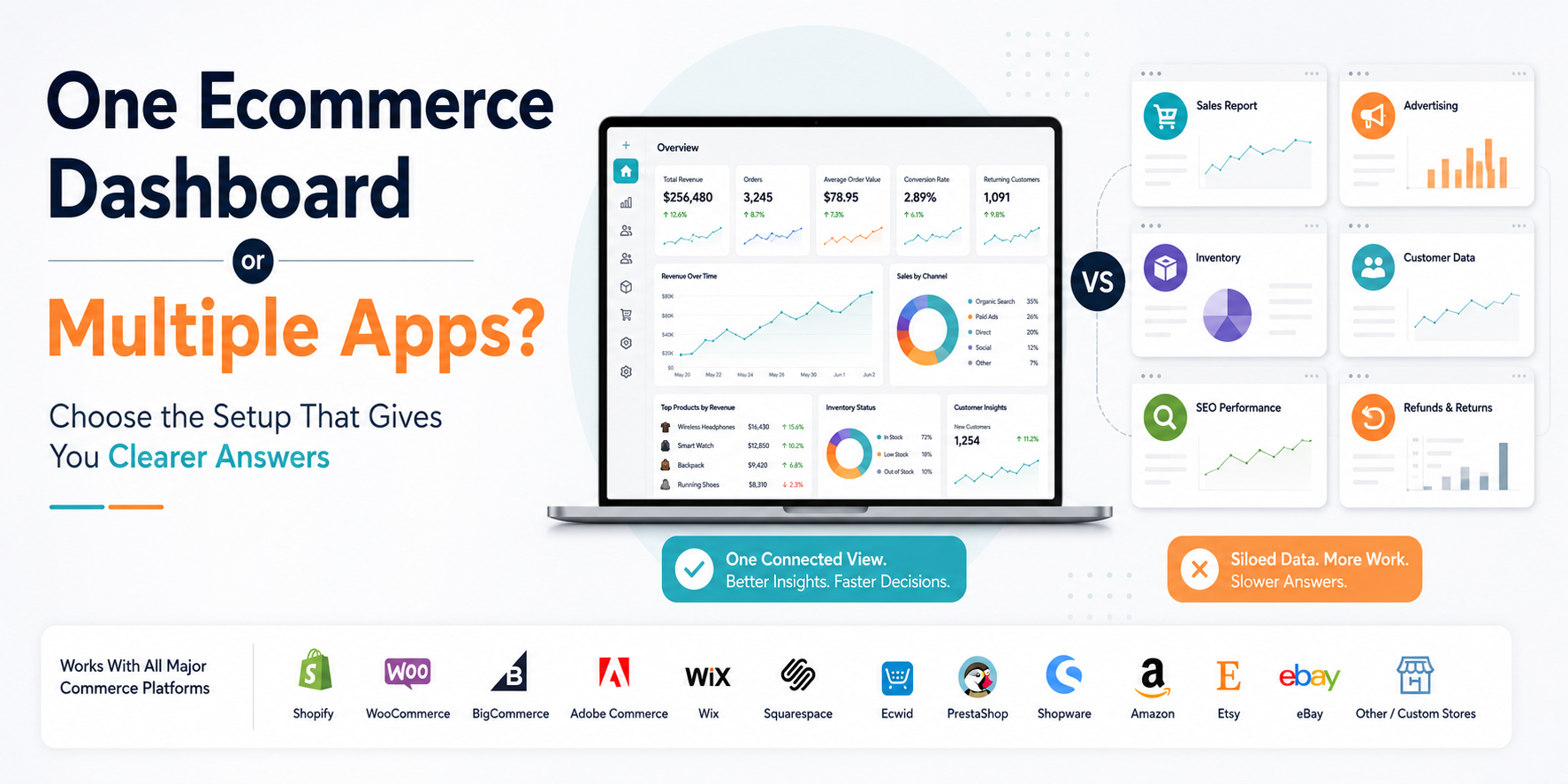
When those signals are reviewed separately, the merchant still has to assemble the explanation manually.
Statty AI is designed to make ecommerce performance information easier to explore together, with AI-assisted explanations based on available connected data rather than generic business advice.
Its broader product positioning includes sales, customers, products, inventory, refunds and operational performance, while current connector availability varies by platform. Statty AI USP & Keywords
You can explore the current Statty AI features to see how reporting and connected ecommerce analytics fit together.
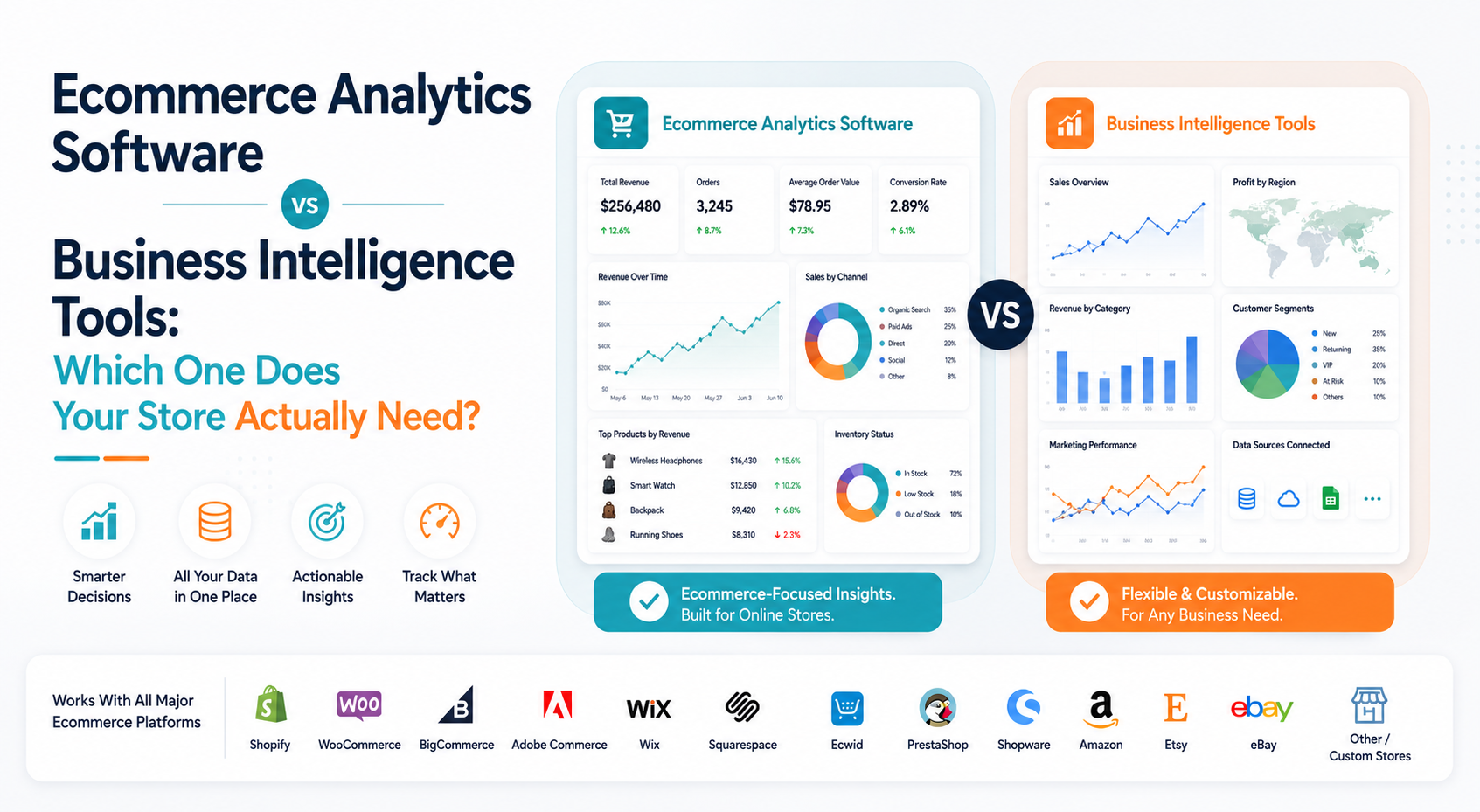
For businesses deciding whether they need a reporting product or a broader analytical environment, Ecommerce Analytics Software vs Business Intelligence Tools provides the next level of comparison.
Final Thoughts
Ecommerce reporting is essential. But producing a report and understanding the business are not the same task.
A useful report should tell you what happened, make important changes visible and provide enough context to know whether something deserves attention. Analytics begins when you need to understand what sits behind that result.
If revenue falls, the analysis might lead you toward orders, AOV, customers, products, inventory or refunds.
If customer retention changes, it may lead you toward cohorts, acquisition sources or product behavior.
If a report cannot support that next question, you may have good reporting but weak analytical depth.
The goal is not to replace reports.
It is to make sure your reporting process can move naturally from: What happened?
To: What may explain it?
and finally: What should we investigate or decide next?
That is when ecommerce reporting stops being a routine data exercise and starts becoming a useful part of running the business.
FAQ
What is ecommerce reporting?
Ecommerce reporting is the process of organizing and presenting store data such as revenue, orders, customers, products, inventory, discounts and refunds for a selected period. Its main purpose is to make business performance easier to monitor and compare.
What is the difference between ecommerce reporting and ecommerce analytics?
Ecommerce reporting primarily shows what happened. Ecommerce analytics goes deeper by examining relationships, patterns and supporting data to understand why a result may have changed and what deserves further attention.
When is a standard ecommerce report enough?
A standard report is usually enough when you need routine monitoring or a clearly defined number, such as weekly sales, daily orders or current stock levels. Deeper analytics becomes more useful when that number creates another question that the report cannot answer.
What should a good ecommerce report include?
A useful ecommerce report should include a clear date range, consistent metric definitions, relevant period comparisons, meaningful breakdowns and enough context to identify important changes. It should also provide a way to investigate the underlying detail when something unusual appears.
Are scheduled ecommerce reports better than interactive dashboards?
Neither is universally better. Scheduled reports are useful for recurring monitoring and team communication. Interactive dashboards and explorations are more useful when someone needs to investigate a specific change, apply filters, compare segments or answer an unexpected business question.
Can AI create ecommerce reports?
Yes. AI can help generate reports, refine queries, summarize performance and make data exploration easier. Shopify, for example, currently allows Sidekick to generate and edit analytics queries from natural-language prompts. AI-generated reporting should still be checked against the underlying data and metric definitions.
Can AI tell me exactly why ecommerce sales changed?
AI can help identify relevant changes and relationships in connected data, but it should not automatically treat correlation as proof of causation. A reliable AI analytics workflow should show the evidence behind an explanation and allow the merchant to verify important conclusions.