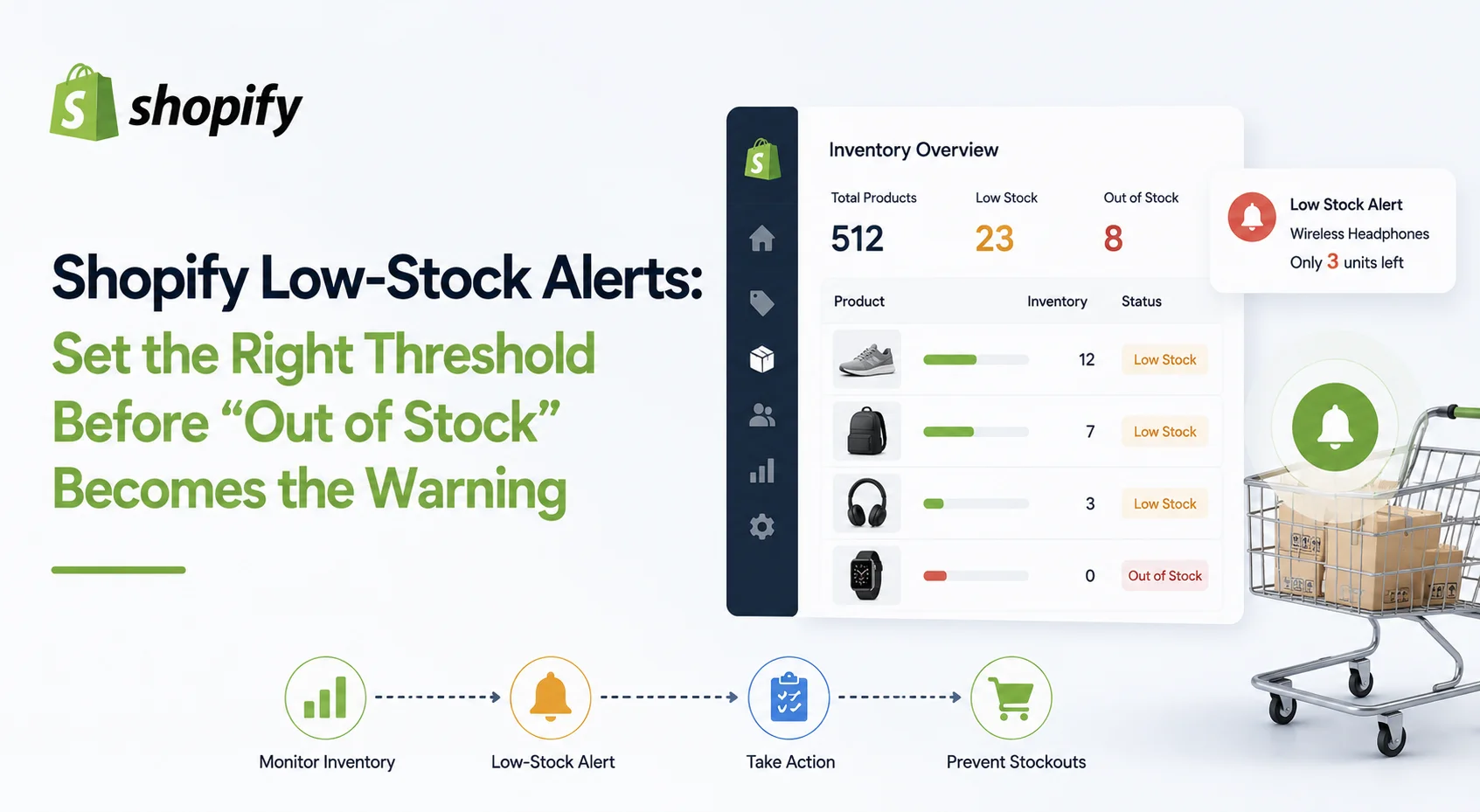
Low Stock Should Mean “Time to Act,” Not “Almost Zero”
Many merchants think of low stock as a quantity such as: Alert me when inventory reaches 5. That may work for a very small catalog, but it ignores the two things that matter most: demand and replenishment time.
Suppose Product A has 20 units available and sells one unit every two weeks. Product B also has 20 units available but sells eight units per day. Product A has plenty of time. Product B could be unavailable in less than three days.
The inventory quantity is identical, but only one product is genuinely low on stock. A better definition is: Low stock means the remaining sellable inventory is approaching the quantity you expect to need before replenishment can arrive. That makes the alert operational rather than arbitrary.
Make Sure Shopify Is Tracking the Inventory First
Before creating alerts, verify that inventory tracking is active for the relevant products and variants. Shopify needs inventory tracking enabled to maintain accurate inventory states and quantities for products. Its Inventory page can then show stock across locations and inventory states such as Available, Committed, Unavailable, On hand and Incoming.
This sounds basic, but it matters. If some products are tracked inside Shopify while others are managed through another inventory system or app, your alert logic needs to reflect where the authoritative stock quantity actually lives. An alert is only as reliable as the inventory data triggering it.
Use Available Inventory for Stock Alerts Where Appropriate
One of the easiest mistakes is basing a low-stock decision on the wrong inventory quantity. Shopify currently defines On hand inventory as the total units physically recorded at a location. That includes units that may already be Committed or Unavailable.
Available inventory is the quantity that can still be sold. Incoming inventory is separate and does not become available until it has been received. Imagine a variant shows:
On hand: 40
Committed: 18
Unavailable: 4
Available: 18
If you create your planning process around the 40-unit figure, the product appears much safer than it really is. For many low-stock decisions, the question you care about is: How many units can customers still buy? That is why available quantity is usually the more relevant signal.
How to Set Up a Shopify Low Stock Notification
Shopify currently provides two practical paths for merchants who want direct low-stock notifications. You can use an inventory-alert app, or create an automated workflow using Shopify Flow.
Shopify's Flow documentation includes templates specifically for emailing staff when variant inventory becomes low and for notifying teams when inventory reaches configured thresholds. A basic Flow workflow follows this logic:
Trigger: Product variant inventory quantity changed.
Condition: Inventory crosses your chosen low-stock threshold.
Action: Send an internal email, create a task, send a supported notification or trigger another inventory workflow.
Shopify notes that inventory changes can originate from an order, a manual adjustment or an app. Flow can also check inventory at individual locations when location-specific logic is needed. But there is an important detail that makes a good workflow much better than a basic one.
Trigger the Alert When Stock Crosses the Threshold
Imagine your threshold is 10 units. Inventory falls from 11 to 10. The alert fires. A customer then purchases another unit, reducing inventory to 9. Should another alert fire?
Probably not. You already know the product needs attention. Shopify specifically recommends considering both the current inventory quantity and the previous quantity in Flow workflows so that the notification runs when inventory crosses the threshold rather than every time another unit is sold below it.
Conceptually, your logic should behave like: Previous inventory was above the threshold
And Current inventory is at or below the threshold
This small detail prevents your team from receiving the same warning repeatedly. Without it, a popular low-stock product could generate notification after notification until replenishment arrives. That quickly creates alert fatigue.
How to Choose the Right Low-Stock Threshold
A useful starting point is a reorder-point calculation. A simple planning model is: Low-stock threshold = Expected demand during lead time + Safety stock
This is a planning formula rather than a Shopify-specific automatic rule. Suppose a variant normally sells 4 units per day. Your supplier needs 10 days to deliver replenishment.
Expected demand during lead time is: 4 × 10 = 40 units
You also decide to hold another 12 units as safety stock.
Your low-stock threshold becomes: 40 + 12 = 52 units
That means 52 units is not “nearly out of stock.”
It means: We have reached the point where the replenishment process should begin. That is a much more useful alert.
Lead Time Matters as Much as Sales Velocity
Two products selling at exactly the same rate may still need different thresholds. Imagine both sell five units per day. Product A can be replenished locally within three days. Product B comes from an overseas supplier and normally takes 30 days.
Giving both products the same low-stock threshold would create a serious planning problem. For Product A, you have much more flexibility. For Product B, you need to begin the reorder process substantially earlier.
Your threshold should therefore account for the complete replenishment cycle, which may include supplier processing, production, shipping, customs, receiving and the time required to make the inventory available for sale.
Do not set the threshold according to when you place the order. Set it according to how long you realistically need before the replacement units are ready for customers.
Safety Stock Protects Against What the Average Cannot Predict
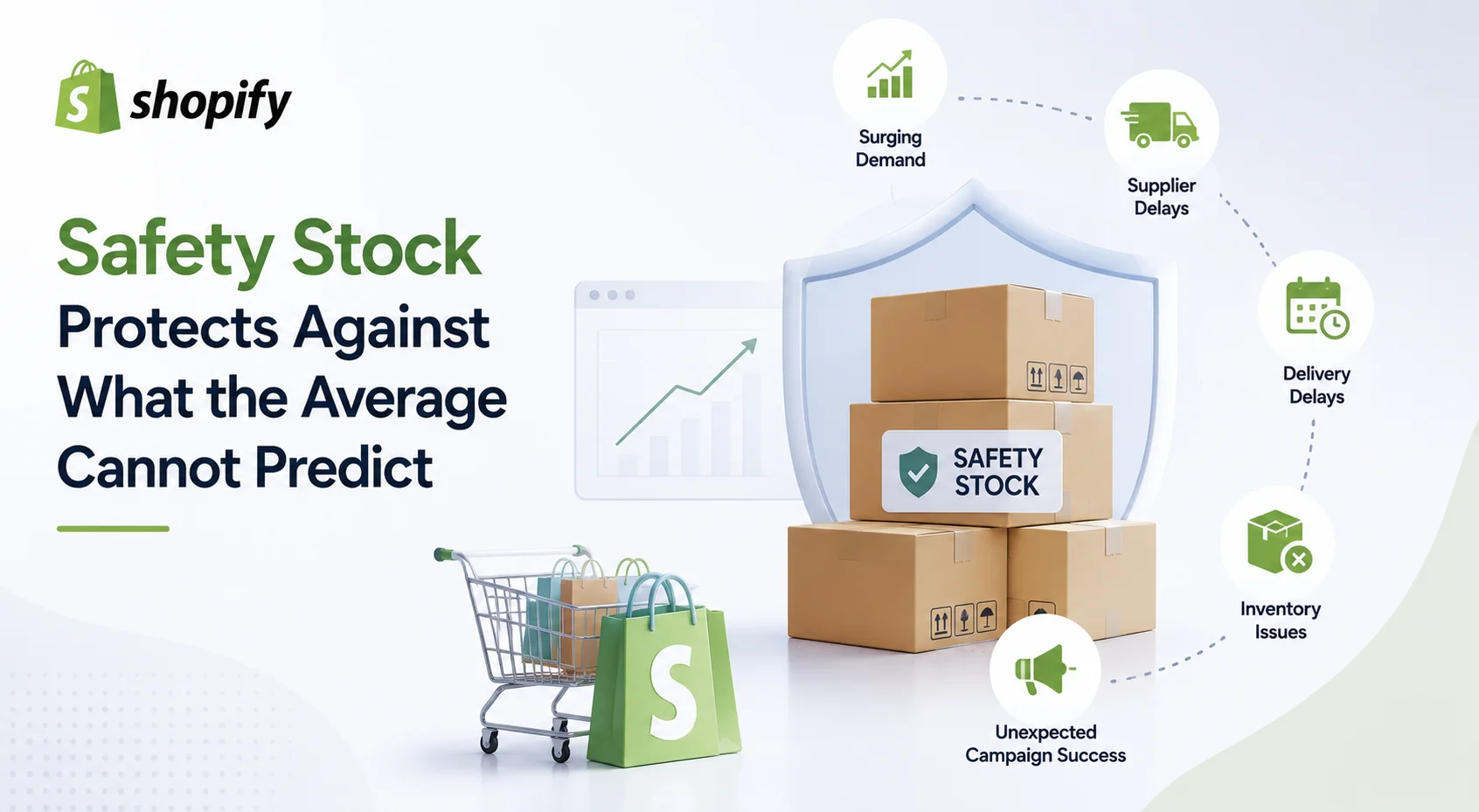
Average sales and average supplier lead time are useful starting points. Real stores rarely behave exactly like the average. Demand may suddenly increase.
A supplier may ship late.
A delivery can be delayed.
Inventory may be damaged.
A marketing campaign may perform much better than expected. That is what safety stock is designed to absorb. The size of the buffer should reflect uncertainty. A predictable product from a reliable local supplier may require a relatively small buffer.
A highly seasonal bestseller sourced through an unpredictable supply chain may need considerably more protection. Do not add the same safety-stock quantity to every SKU simply because it is easier. The more uncertain or commercially important the product is, the more carefully you should think about the buffer.
Do Not Use One Threshold Across Your Entire Catalog
A store with hundreds of variants should rarely use: Low stock = 10 units for everything.
Different products move at different speeds.
Different suppliers have different lead times.
Some products contribute significant revenue. Others sell occasionally. A better approach is to group products by how they behave. Fast-moving products with longer lead times may need earlier alerts. Stable products with short replenishment cycles can use tighter thresholds.
Slow-moving inventory may need very low thresholds because reordering too early could create unnecessary overstock. New products with little sales history should initially use a conservative planning rule and have their threshold revised after enough demand data becomes available. The threshold should reflect the product, not simply the convenience of one global number.
Set Alerts at Variant Level
Products with multiple variants can hide inventory problems. Imagine you sell a T-shirt in five sizes. The product has 100 units available overall. That sounds healthy. But perhaps:
Medium has 40 units.
Large has 35.
Small has 20.
XL has 4.
XXL has 1.
The product itself is not low on stock. Two variants are. Customers do not buy “total T-shirt inventory.” They buy a specific size or color.
Shopify's Flow inventory trigger operates on product variants, which makes variant-level low-stock logic possible. For stores with significant variant demand, this is far more useful than monitoring only product-level totals.
Multi-Location Stores Need Location-Specific Alerts
The same problem applies to locations. A product can have plenty of inventory across the business while one fulfillment location is close to running out.
Shopify tracks inventory by active location, and Flow can access inventory-level information for an individual location when building location-specific workflows.
Suppose you have: Warehouse A: 80 units, Warehouse B: 3 units. The total is 83.
If Warehouse B handles a large share of orders in its region, the overall store quantity hides a local problem. A location-specific alert gives the operations team time to decide whether to transfer inventory, replenish that location or change fulfillment planning.
Incoming Inventory Should Change the Decision, Not Silence the Alert Automatically
Suppose a product reaches its low-stock threshold but 500 replacement units are already incoming. Do you still need an alert?
Possibly. Shopify defines Incoming inventory as stock on its way from transfers, purchase orders or apps. It does not count as Available until it has actually been received. The important comparison is timing.
If you have 30 available units, sell 10 per day and the incoming shipment arrives tomorrow, the situation may be manageable. If the same shipment is due in ten days, you have a likely stock gap.
A smarter inventory process therefore asks: Is enough inventory incoming before available stock is expected to run out? Do not simply suppress a low-stock warning because incoming inventory exists. The delivery date still matters.
Use More Than One Alert Level for Important Products
For commercially important SKUs, one threshold may not be enough. A simple three-level system can make inventory warnings more actionable:
Planning alert: Stock has reached the point where replenishment should be reviewed.
Reorder alert: Inventory has reached the calculated reorder point and action is required.
Critical alert: Available stock is close to zero or expected to run out before replenishment arrives.
This avoids treating every stock warning with the same urgency. It also helps different teams understand what needs to happen. The purchasing team may handle the reorder warning, while a critical alert might also require merchandising or marketing action.
Decide Who Owns the Alert
A low-stock notification is useless if everybody receives it and nobody owns it. Every alert should have a clear action and responsible person. When the alert arrives, should someone:
Check incoming stock?
Create a purchase order?
Contact the supplier?
Transfer stock from another location?
Reduce promotion of the product?
Confirm that the alert is already being handled?
The more clearly this workflow is defined, the less likely the alert becomes another unread email. For critical products, it can also be useful to record when the alert was acknowledged and what replenishment action was taken.
Review Thresholds Before Promotions
Historical demand can become unreliable when you are about to deliberately change demand. Suppose a product normally sells 10 units per day and your threshold is based on that rate. Next week, it will appear in a major promotion.
If the campaign doubles demand, the existing threshold may warn you too late. Before an important sale, campaign, influencer activation or seasonal event, review the inventory of promoted products separately.
Ask whether current stock can support the expected demand and whether replenishment could arrive during the campaign if needed. The same principle applies in reverse. After a promotion ends, do not keep an inflated threshold indefinitely if demand returns to normal.
Recalculate Thresholds When the Business Changes
Low-stock thresholds should not be permanent. Review them when:
Sales velocity changes materially
Supplier lead time changes
A product becomes significantly more important
Seasonality begins or ends
You change fulfillment locations
A new marketing campaign changes demand
Supplier reliability improves or deteriorates
For established products, a regular monthly or quarterly review may be sufficient, depending on sales volume. Fast-growing stores may need to review critical SKUs more frequently.
The goal is not constant manual adjustment. It is preventing an old assumption from controlling a new inventory situation.
Do Not Confuse Low Stock With Out of Stock
These should be two separate signals.
A low-stock alert exists to prevent a future problem.
An out-of-stock alert tells you the problem has already happened.
Shopify normally stops customers from purchasing an inventory-tracked product once inventory reaches zero, unless the merchant has enabled Continue selling when out of stock. That means your operational priority should be to act on the low-stock signal before the out-of-stock condition becomes relevant.
If products repeatedly progress from “low stock” to “out of stock” before replenishment arrives, the issue may be the threshold itself, supplier lead time, demand forecasting or the internal response process. The alert system is giving you evidence that the workflow needs adjustment.
Measure Whether Your Alerts Are Working
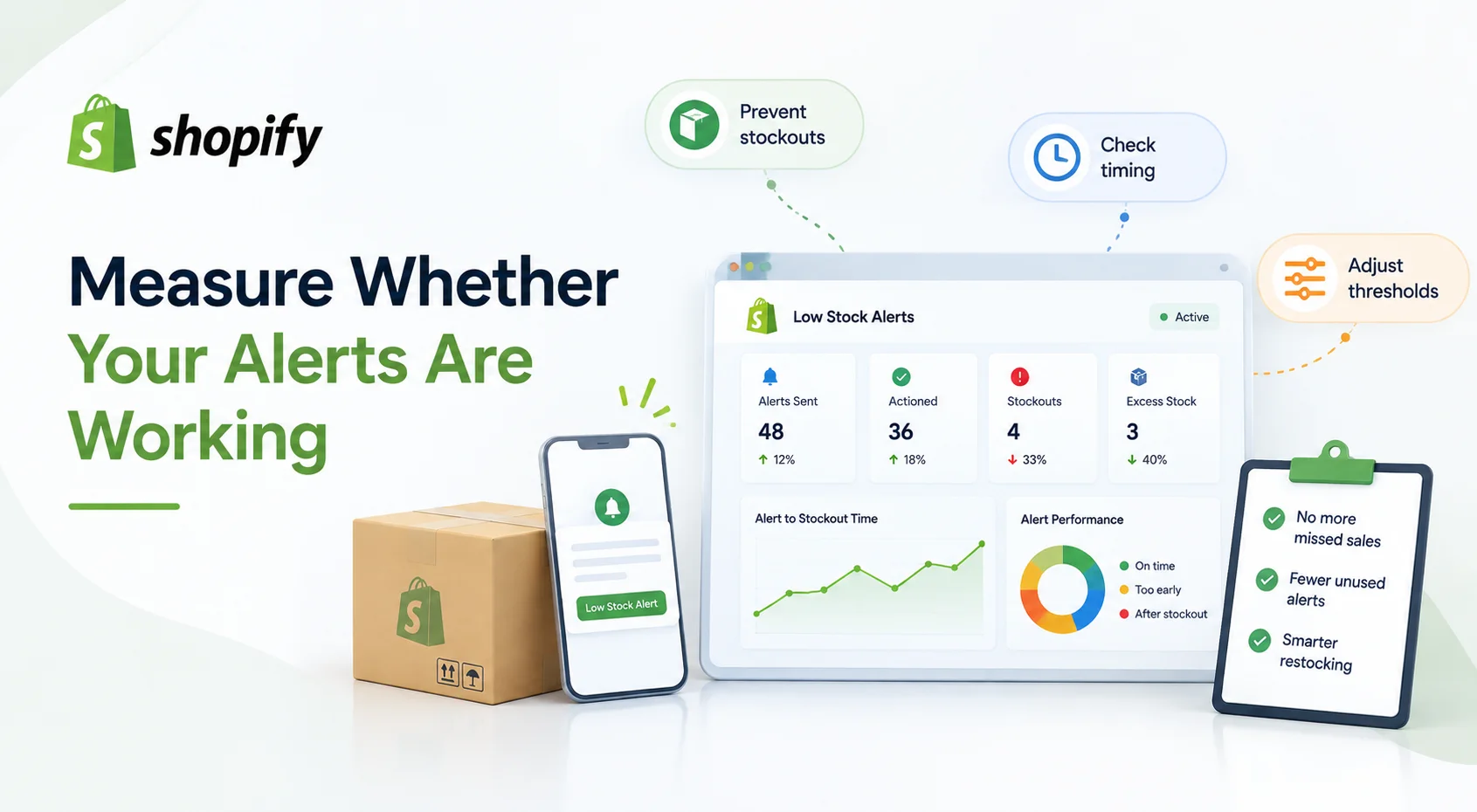
Do not judge a low-stock alert system by how many notifications it sends. Judge it by what happens afterward. Useful questions include:
How often do important products still sell out after a low-stock warning?
How much time usually exists between alert and stockout?
Are alerts arriving too early and being ignored?
Which products repeatedly trigger emergency reorders?
Which thresholds frequently result in unnecessary excess inventory?
This turns low-stock alerts into something you can improve rather than a set-and-forget automation. If alerts consistently arrive after there is no practical time to replenish, raise or redesign the threshold. If the team receives dozens of warnings that never require action, the threshold may be too sensitive.
Where Statty AI Fits
Shopify already provides inventory tracking and Shopify Flow can automate low-stock workflows. Merchants who want inventory warnings connected with broader store analytics may prefer an additional analytics layer.
Statty AI's current Shopify App Store listing includes these features like low-stock and out-of-stock alerts alongside product analytics, customer intelligence, sales reporting, checkout monitoring and other store insights.
That means merchants can view inventory risk alongside the wider performance of the products involved instead of treating every low-stock SKU equally.
A warning around a high-performing product can deserve very different attention from the same quantity warning on a slow-moving item. That connected context is where low-stock information becomes more useful.
A Better Low-Stock Workflow
A practical inventory workflow should look something like this: Track accurate available inventory → estimate demand during lead time → add an appropriate safety buffer → set the threshold → alert when stock crosses it → assign the action → review the result
That is much stronger than: Notify me when every product reaches five units. The first approach reflects how the business actually operates. The second only watches a number.
Final Thoughts
The best Shopify low stock alert is not the one that warns you closest to zero. It is the one that gives you enough time to make the right inventory decision. That requires more than choosing an arbitrary quantity.
Consider available stock, sales velocity, supplier lead time, safety stock, variants, locations, incoming inventory and changes in future demand. Then configure notifications so they trigger when a product actually crosses the threshold instead of repeatedly alerting your team every time another unit sells.
Most importantly, review what happens after those alerts. If high-value products still run out, the warning is probably too late. If your team ignores dozens of unnecessary alerts, it is probably too early or too broad. A well-designed low-stock system should sit quietly in the background and get your attention when there is still time to do something about the problem.